
Vita Mahjong Guides
Choose a Vita Mahjong guide by the question you have now. Start with the rules for a first board, compare modes when the home screen becomes confusing, or go straight to troubleshooting if the app or a saved game is not behaving as expected.
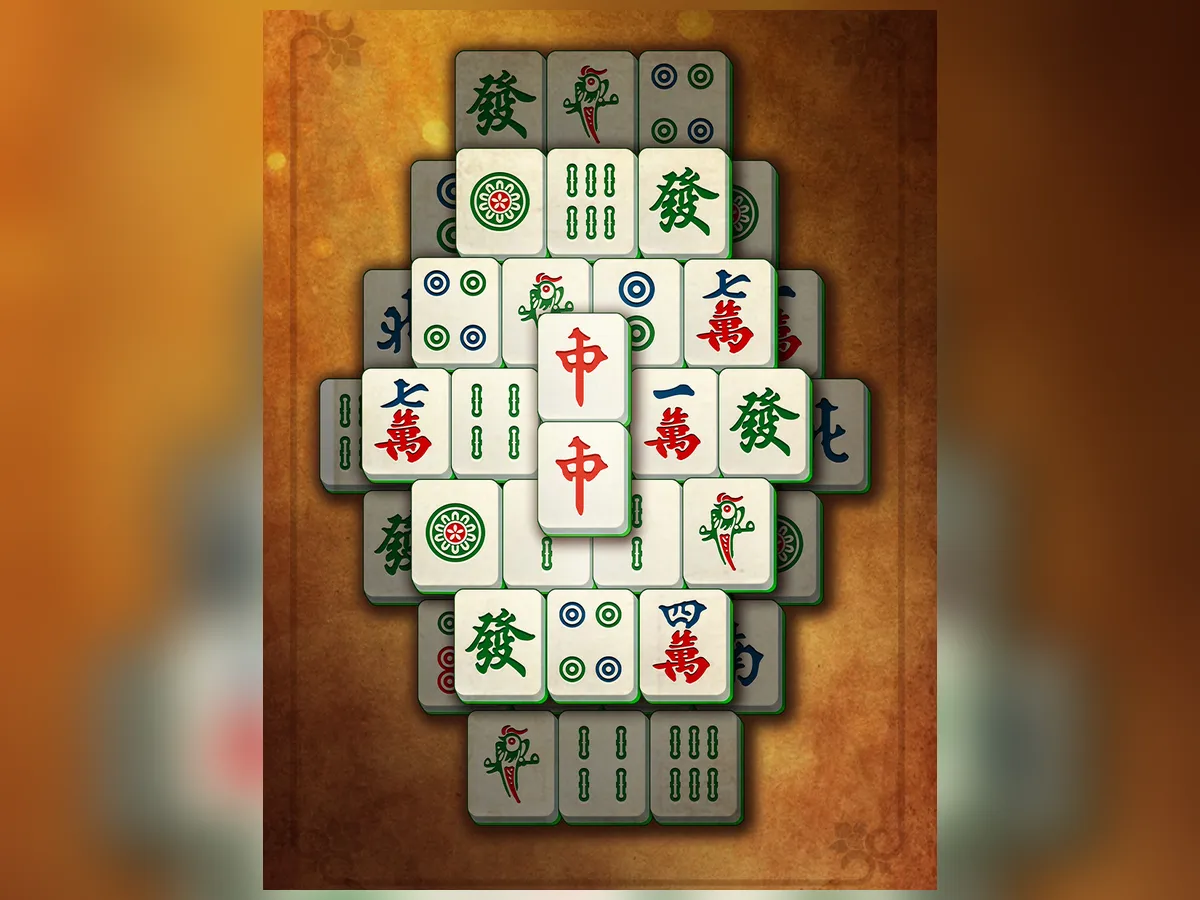
Rules and first steps
Modes and progress
Comfort, devices and offline play
For older players
a first session together, sounds, screen choice and ads.
Memory and research
what play asks you to remember and what studies did not test.
Computer options
the official website, Mac listing and different Stgames Windows title.
Offline play
local boards versus features that need a connection.
On a phone, your browser’s Find in Page command can locate a word such as “progress” or “ads” without scrolling through every topic.
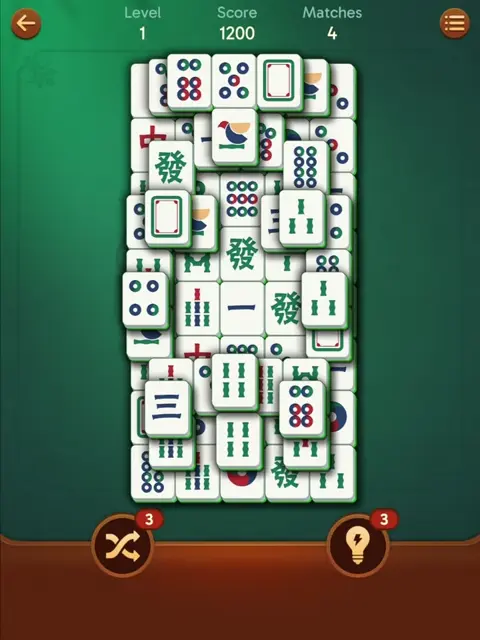
Money, data and technical problems
Ads and purchases
reward videos, paid offers and subscription cancellation.
Review
developer identity, dated ratings and player complaints.
Updates
release history and safe update checks.
Restore progress
connected accounts, new phones and purchase recovery.
App not working
crashes, freezes and loading problems before deleting data.
A short route for a beginner
- Use the official store listing and check the publisher.
- Complete the tutorial, then read the free-tile rule.
- Inspect Save your progress and connect an account through a method offered in your installed version.
- Compare modes before chasing an event reward.
- If you only want to try pair matching first, open Mah in the browser. It is separate from the mobile app.
Match your question to a guide
| Your question | Guide |
|---|---|
| What makes a tile free? | How to play |
| How many levels are there? | Levels and leagues |
| How is Journey different from a challenge? | Game modes |
| What is a star or a hidden face? | Special tiles |
| What does ad removal cover? | Ads and purchases |
| How can I help an older relative? | For older players |
| Where is the update or an older build? | Updates |
| How do I move a save to a new phone? | Restore progress |
| Why does the app freeze or close? | App not working |
A guide to read or print
Start with the step-by-step rules and then choose a topic from the guide list above. There is no separate rules PDF offered here. You can use your browser’s Print command on a guide and choose Save as PDF if your browser provides it. Embedded games and videos remain interactive features of the website, so a printed copy will not include a playable board or video demonstration.
Frequently asked questions
Which guide should I read first?
How to play explains free tiles and the first controls. Follow with Game modes to distinguish Daily, Journey and themed challenges.
Is there a guide for older players?
Yes. For older players covers screen choice, sounds, ads and learning together. Browser contrast settings belong to Mah and should not be assumed to exist in the mobile app.
Where is technical help?
Use Download for installation, Updates for versions, Restore progress for saves, or App not working for crashes and loading problems.
Do I need to read every guide in order?
No. Each page answers a particular question. The short beginner route is optional; later you can use the site as a reference.