
Vita Mahjong on PC
On a computer, distinguish Vita Mahjong’s official website, its Apple listing and unrelated games with similar names. The Microsoft Store title “Vita Mahjong: 120 Layouts” is published by Stgames, not Vita Studio. It should not be treated as the Windows edition of your mobile game.
Compare the computer options
For a quick session, a browser avoids installing another application. For the mobile app on a larger screen, Apple compatibility or an Android emulator may be relevant, subject to the device and store requirements. These options do not establish a shared save.
| Option | Requirements | What you are opening |
|---|---|---|
| Official website | A compatible browser and connection | The Play Game option at vitamahjong.com. |
| Apple listing on Mac | Apple M1 or later and macOS 12.0 or later | The app offered through Apple, with a Mac verification caveat. |
| Android emulator | A compatible emulator, Google Play and an account | An Android environment; compatibility is not guaranteed here. |
| Microsoft Store title | A compatible Windows device | A separate Stgames product, not the Vita Studio app. |
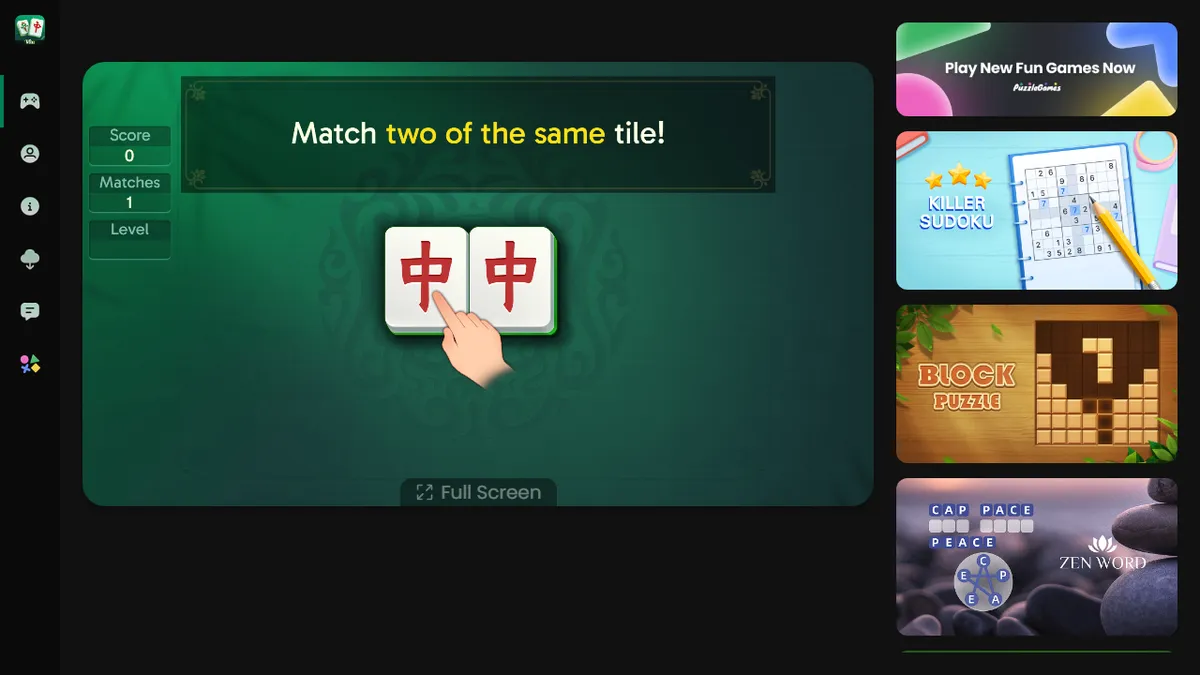
| Our browser game | A browser with JavaScript | Mah, a separate open-source mahjong solitaire game. |
The Microsoft Store title is a different product
The Microsoft Store listing is titled “Vita Mahjong: 120 Layouts.” Microsoft’s catalog identifies its developer and publisher as Stgames, and the description also uses the name Mahjong Pair Master. Those details do not match the Vita Studio mobile app.
If you choose that product, use its own store requirements, installation button and support information. A Microsoft account may be needed for the store. Installing it does not provide a verified route to the mobile app’s levels, leagues, purchases or saved progress. The 120 layouts belong to that listing, not a limit on Vita Studio’s mobile level ladder.
Play Game on the official website
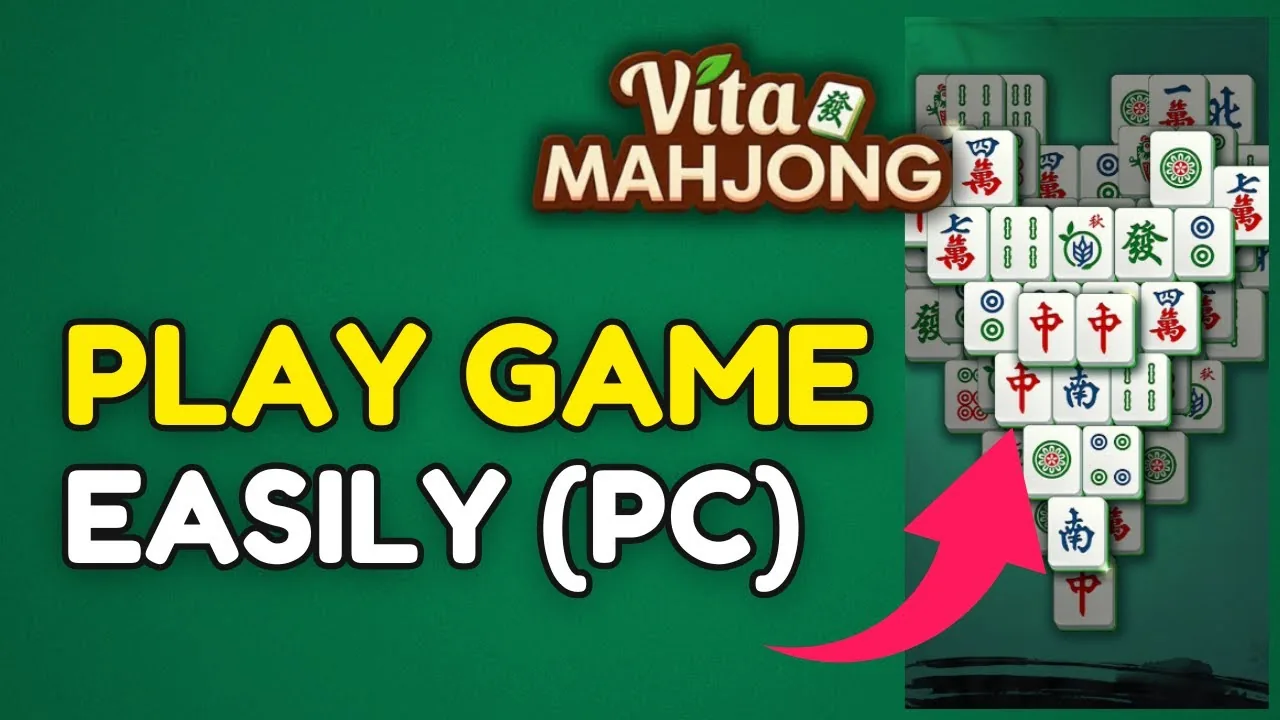
vitamahjong.com offers Play Game and Log In controls. Open Play Game and allow the initial loading and tutorial screens to finish before assuming the board is stuck. Browser performance and connectivity affect how quickly it appears.
The presence of Log In is not proof that a phone save or purchase will transfer. Check the website’s current account instructions before relying on that. Our own play page uses Mah, a different open-source game with browser-local settings. It is not the Vita Studio website embedded under another name.
Mac compatibility has a caveat
The US App Store listing checked on November 5, 2026 gives macOS 12.0 or later and Apple M1 or later for Mac. It also states that the app is not verified for macOS. Listing compatibility is therefore not a promise that every control works like it does on an iPhone.
An Intel Mac is outside those listed Mac requirements. Check the current Apple listing on the intended computer before downloading.
Using an Android emulator
An emulator such as BlueStacks creates an Android environment on the computer. If its Google Play environment supports the app, you can install the Android listing and use the mouse for taps. We have not verified a Vita-specific emulator setup or a developer-supported set of emulator requirements.
- Obtain the emulator from its own official site and check its computer requirements.
- Open Google Play inside that environment and sign in.
- Find the Vita Studio app using the official package,
com.vitastudio.mahjong. - After installation, inspect the game’s own account connection before trying to restore progress.
Using the same Google Play account alone does not prove that the game has connected to the same save. Follow the progress checks, and keep the original phone intact until a transfer is confirmed. Purchases also depend on the store account and product; do not assume they cross to a different platform.
The download guide covers phones, while rules, modes and levels describe mobile play. See purchases and ads before buying another offer on a second device.
Frequently asked questions
Can I play on a computer without installation?
The official website offers Play Game in a browser. Our play page also runs Mah without installation, but Mah is separate from Vita Mahjong. Neither option establishes a verified transfer of phone progress.
Is the Microsoft Store game the same as the official website game?
No such equivalence is supported. Microsoft identifies Vita Mahjong: 120 Layouts as a Stgames product, not the Vita Studio mobile app.
Does it work on Mac?
The Apple listing gives macOS 12.0 or later and Apple M1 or later, while stating it is not verified for macOS. Intel Macs do not meet those listed requirements.
Can I use an Android emulator?
An emulator may provide access to the Android app through Google Play, but compatibility and a Vita-specific supported setup have not been verified here.
Will phone progress transfer to the computer?
Do not assume so. Confirm the game account and supported transfer method in the exact versions involved. The Stgames Windows title and our Mah game do not share a verified Vita Studio save.