
Vita Mahjong Offline
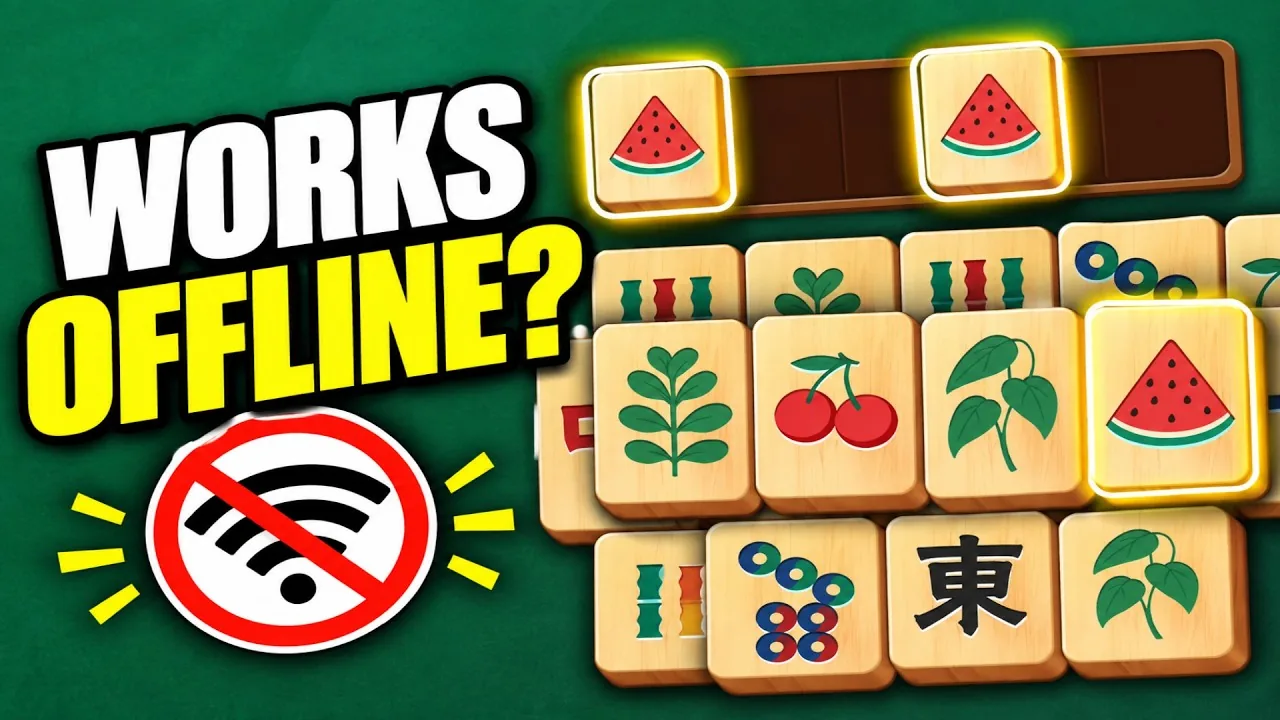
Vita Mahjong supports offline play in the installed mobile app. Regular levels can be played without Wi-Fi or mobile data, while calendar challenges, online events, rewarded videos and account syncing need a connection. Prepare the app before a trip and check it in airplane mode while you still have time to fix a problem.

Which features work without internet?
The regular level ladder is designed for offline play. The app description advertises more than 10,000 levels; the current total can grow with updates. The installed game supplies the boards rather than downloading a new web page for every round. Hints and shuffling can be used locally when they are available in your game, but earning extra helpers by watching a video requires a connection.
Time-limited activities have a different dependency: their dates, event state or participant standings need online information. A working regular level therefore does not prove that every button should also work offline. See the mode comparison for the differences between the level ladder, Daily, Challenge and Journey.
The earlier documented mobile version also lists offline Undo. Use it only if your installed app offers that control; its availability has not been checked in every current version. Mah on our play page has its own repeated Undo, which should not be assumed to describe the mobile app.
| Feature | Connection needed |
|---|---|
| Regular levels | No, once the app is installed and ready |
| Available hints and shuffle | No; rewarded refills need internet |
| Daily calendar puzzle | Yes for online calendar content |
| Themed Challenge and standings | Yes |
| Journey event | Yes for online event content |
| Rewarded advertising | Yes |
| Account sign-in and syncing | Yes |
| Browser game on this site | Yes to load the game |
Prepare the app before traveling
- Install available updates while connected. Open your app store and finish the download before leaving. An update can require considerably more free space than the download alone.
- Check your saved account. Open Settings and look for Save your progress or the equivalent account option in your version. Use the account already associated with your game; a new account is not a substitute for the existing save.
- Finish online activities you want to play. Complete the current Daily puzzle or event while it is available. Do not assume opening a calendar once downloads every later challenge.
- Check storage. The US iOS listing checked on November 5, 2026 showed 431.1 MB. Android sizes and installed storage can differ. Leave room for the app and future updates.
- Try airplane mode at home. Open an ordinary level, make a few moves, close the game and check that you can return. This tests your own installation before you rely on it during the trip.
The download guide identifies the official mobile listings. If the app fails even with a connection, start with launch and loading checks before traveling.
What uses mobile data?
Updates, advertising videos and account synchronization account for network activity beyond the tile boards. There is no reliable fixed megabyte allowance for a session: the advertisements served, updates offered and features opened can change the total. Check the app's actual data usage in your phone settings if you have a limited plan.
Playing offline avoids fetching new video ads, but it is not equivalent to buying a permanent ad-removal entitlement. An offline session also cannot provide online rewarded videos. Read the advertising and purchase guide before paying for an offer or relying on a reward.
Airplane mode can reduce the work a phone does searching for a weak network. Battery life still depends on the display, device and game activity; there is no guaranteed extra number of playing hours. On a long train journey, lower screen brightness to a comfortable level and plan charging separately.
Why are Daily or event buttons unavailable?
Without a connection, regular levels may open normally while Daily, Challenge or Journey is unavailable or asks you to reconnect. This is a different problem from the whole app freezing. Restore a working connection and try the relevant activity again; deleting the app is not the first response to an online feature being unavailable.
The settings screen can open offline, but signing in or sending account information needs network access. You can continue a local game without completing that sign-in immediately. When you reconnect, check the account status instead of assuming that an earlier failed attempt linked the save.
A puzzle that still will not open online belongs in the Daily troubleshooting notes or the broader app troubleshooting guide. Event availability can also change with the event schedule.
Will offline progress stay saved?
Offline progress is stored on the device. Losing the internet connection does not itself erase the levels you have completed. Removing the app, clearing its stored data, resetting the phone or changing devices is different: a local save may be lost if you have not secured a recoverable account save.
Use the available account option before changing phones, while the old installation still works. Reconnecting later is useful for syncing, but a save cannot be uploaded from a phone that has already been wiped. Keep the old device until you have verified the correct progress on the new one.
Follow the save and transfer guide for account checks and the details to give support if something is missing. Recovery depends on what was actually saved; neither offline play nor signing into a different account guarantees that support can recover every lost level.
The browser game needs a connection
The Mah solitaire game on this site is separate from the installed Vita Mahjong app. Its files load in your browser, so do not depend on it starting during a flight or on a journey with no signal. A previously opened tab is not a promise of reliable offline access.
For use at home with a connection, browser play is a convenient way to try tile matching without installing an app. For planned offline play, install the official mobile app and test that installation first. The developer lists offline support among its mobile features, alongside readable tiles and helpers.
Choose the Android or iPhone/iPad listing from the download guide. If you are using a computer, read the PC and Mac comparison: the similarly named Microsoft Store product has a different publisher, and Mac compatibility has its own requirements. Store availability also varies by region; a Russian-market listing is not the default download route for US devices.
Related guides
- Download and installation: official listings, requirements and alternatives to unverified APK mirrors.
- Playing on a computer: browser, Windows listings and Apple-silicon Mac compatibility.
- Restoring progress: what to check before removing the app or moving to a new phone.
Frequently asked questions
Can I really play Vita Mahjong without Wi-Fi?
Yes. Offline play is a feature of the installed mobile app, and ordinary levels can be played without Wi-Fi or mobile data. Install and open the app while connected first, then test a regular level in airplane mode. Online calendars, events, advertising rewards and syncing are separate features.
Which parts stop working offline?
Expect online calendar content, themed events and their standings, account sign-in and synchronization to need a connection. Rewarded video ads also need internet access. The exact unavailable buttons depend on the current app version and event state, so an offline regular level is the useful starting test.
Does offline play erase my progress?
No. A network interruption does not by itself remove the local save. The risk comes from deleting app data, reinstalling, resetting the device or moving to another phone without a recoverable account save. Check the account while the old installation is still available and avoid wiping it during troubleshooting.
How much data does Vita Mahjong use?
There is no single dependable figure for every session. Regular installed boards do not need a continuous connection, but advertising videos, downloads, updates and synchronization can use data. Your phone's per-app data counter gives a better answer for your installation than a universal estimate based on someone else's session.
Can I play on a plane or train?
Ordinary offline levels are suitable for a trip without a reliable connection. Update and open the game beforehand, check storage, and try a round in airplane mode before leaving. Save important account information while connected; an offline session cannot complete a new online account link for you.
Can I use this site's browser game without internet?
Do not rely on it. The browser game loads resources from the website and is separate from the Vita Mahjong mobile app. For dependable planned offline play, use the installed app after testing it. A page remaining visible in an open tab does not establish that it will reload offline.