
Vita Mahjong Tips
On a difficult Vita Mahjong board, inspect the high stacks and outside edges before taking the first pair you see. Choose matches that expose more tiles, keep helpers for the boards that need them, and check the goal when playing an event rather than an ordinary level.
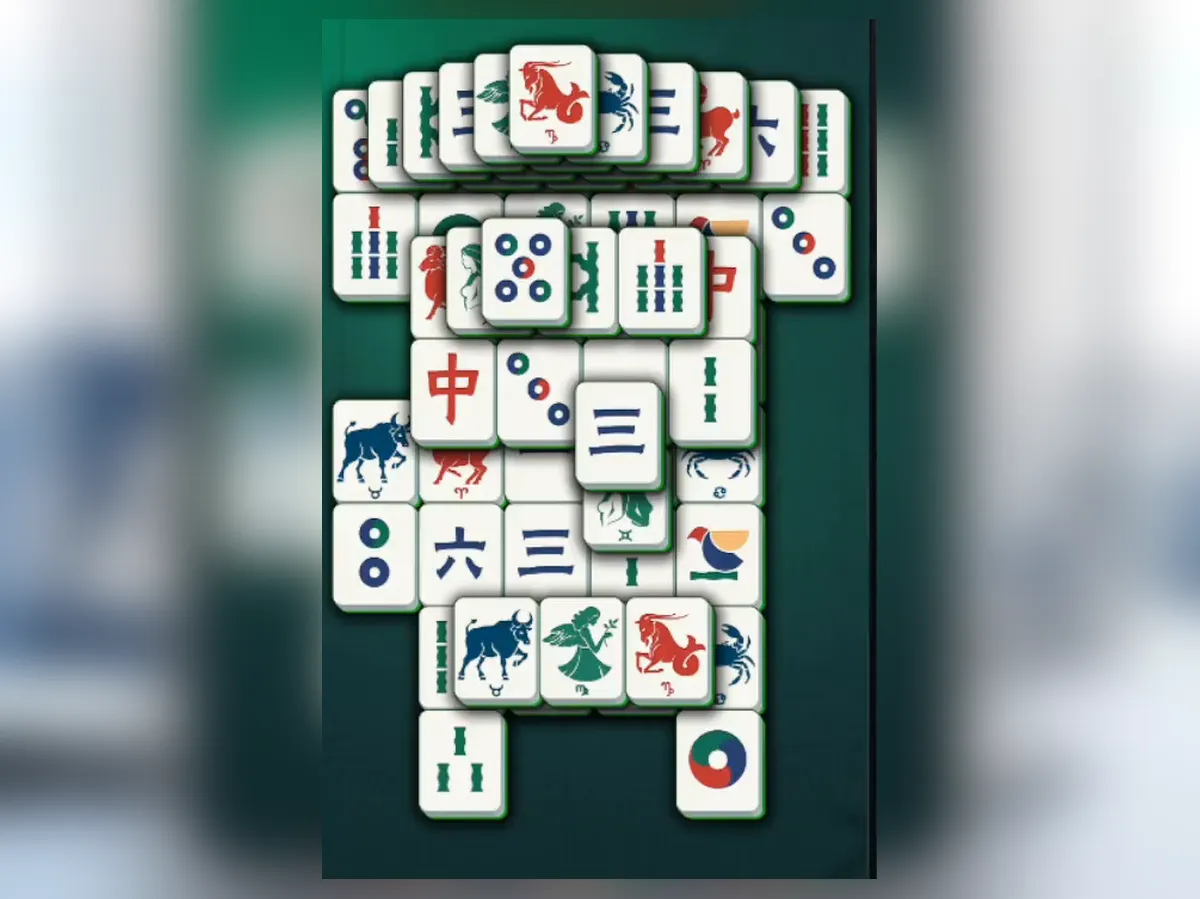
Work from the top down
The basic free-tile rule still applies on hard levels. Dense layouts make the choice between legal pairs more important.
- Scan the whole board and identify its tallest stacks.
- Compare free pairs on the upper layers: which pair reveals useful faces beneath it?
- Open outside rows to release tiles blocked from both sides.
- Return to the center as its covering tiles and neighbors disappear.
Removing an outside pair is useful because of what it opens, not simply because it is outside. Reassess after each match; a newly exposed central pair may now be the strongest move.
Compare all four identical tiles
If four copies of a face are visible, do not automatically match the nearest two. Check which copies are free and what each possible pairing releases. Two free tiles may be easy to remove but reveal nothing, while another choice exposes the partner needed under a tall stack.
Look across the entire layout for the other copy; it may be on the opposite edge. Keeping a less useful free tile available can give you a partner later. You can practice these choices in Mah, a separate untimed browser game whose Undo control lets you compare sequences.
Use the right helper at the right time
A hint is most useful when the available-pair count says a move exists but your scan has missed it. Shuffle is for a board with no legal pairs. If several attempts lead nowhere, restarting may give you a more useful arrangement.
The earlier documented mobile version also mentions Undo. If your installed app offers it, use that control according to its displayed conditions. The repeated Undo demonstrated in Mah is a separate browser-game feature.
| Tool | A useful moment |
|---|---|
| Hint | A legal pair is present but hard to locate. |
| Shuffle | No free matching pairs remain. |
| Undo in the browser game | A different order would open a needed tile. |
| Restart in the app | You want a fresh attempt; check the current prompt before confirming. |
Build up hints and shuffles
The documented daily-task system has three tasks each day, with three stages per task. The first stage gives one hint and one shuffle; the second and third give two of each. A rewarded video can double the displayed reward. Check the current task screen, because rewards and event rules can change.
These tasks count eligible actions across modes, so ordinary play can advance them without a separate task-only session. Claim completed rewards before assuming they have been added to your stock. Auto Match and Auto Complete can also reduce the number of manual moves needed; the controls guide explains their documented behavior.
Protect a scoring run
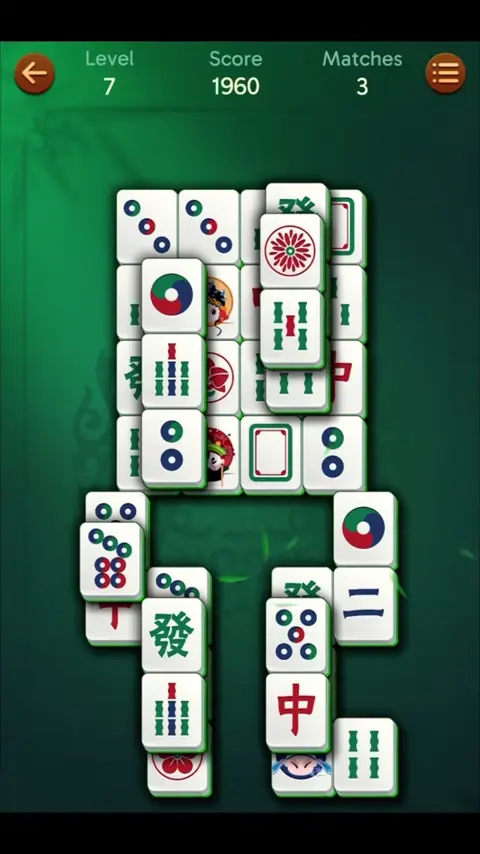
The score beside the level number rises as pairs are removed. A long uninterrupted combo earns more than a run broken by invalid taps. Tapping a blocked tile breaks the series; a hint does not.
Before touching a pair, verify that neither tile has anything above it and each has an open side. This careful check serves both goals: it avoids a broken combo and helps you see which move opens another layer. Random taps do neither. A super combo adds visual effects as the run grows, but those effects are not a reason to rush.
Adjust your plan for events and Journey
The documented themed challenge runs for a day, while Journey changes weekly. Unfinished event progress ends with the relevant period; check the in-game countdown rather than assuming a local midnight reset.
Journey can ask you to clear the marked or hidden tiles of the current theme rather than every tile on the board. Read that objective first. In a themed challenge, the featured tiles contribute points, and eligible ordinary levels and Journey boards can also advance the event. You do not always need to remain on a special event screen to contribute.
See the mode comparison for objectives and levels and leagues for ranking context. An event deadline does not change whether a tile is legally free.
Mistakes that make a hard board harder
- Taking the first visible pair without comparing its other identical copies.
- Spending hints on obvious early boards and having none left on a dense layout.
- Trying to clear the center while its covering layers remain.
- Tapping at random when a hint or a deliberate scan would find the legal pair.
A clean run of pairs can produce super-combo effects. Treat that as feedback on accurate play, not proof that every choice was strategically best. If you want to experiment without spending app helpers, try the separate browser game.
Frequently asked questions
How do I beat a difficult level?
Open high stacks and outside rows, then compare the new pairs they reveal. When several identical tiles are free, choose the pair that releases the most useful tiles.
When should I use a hint?
When a legal pair exists but you cannot find it after a careful scan. Save scarce helpers for dense boards rather than obvious early matches.
How can I collect more hints and shuffles?
In the documented daily tasks, stage one gives one of each and stages two and three give two of each. An optional rewarded ad can double the offer. Check current rewards before relying on these amounts.
What if no pairs remain?
Check Matches. If it is above zero, a pair is still available. At zero, use shuffle or restart rather than tapping blocked tiles.
Does restarting help?
The documented restart reshuffles the level without spending a saved shuffle. It means beginning that attempt again; inspect the current prompt before confirming.
What breaks a combo?
An invalid tap on a blocked tile. A hint does not break it, so a careful assisted move is better for the run than random tapping.